
Third-Party Agent Cockpit
Your agents, on your wrist.
Chat on Mac and Android, switch and approve on 01 Watch.
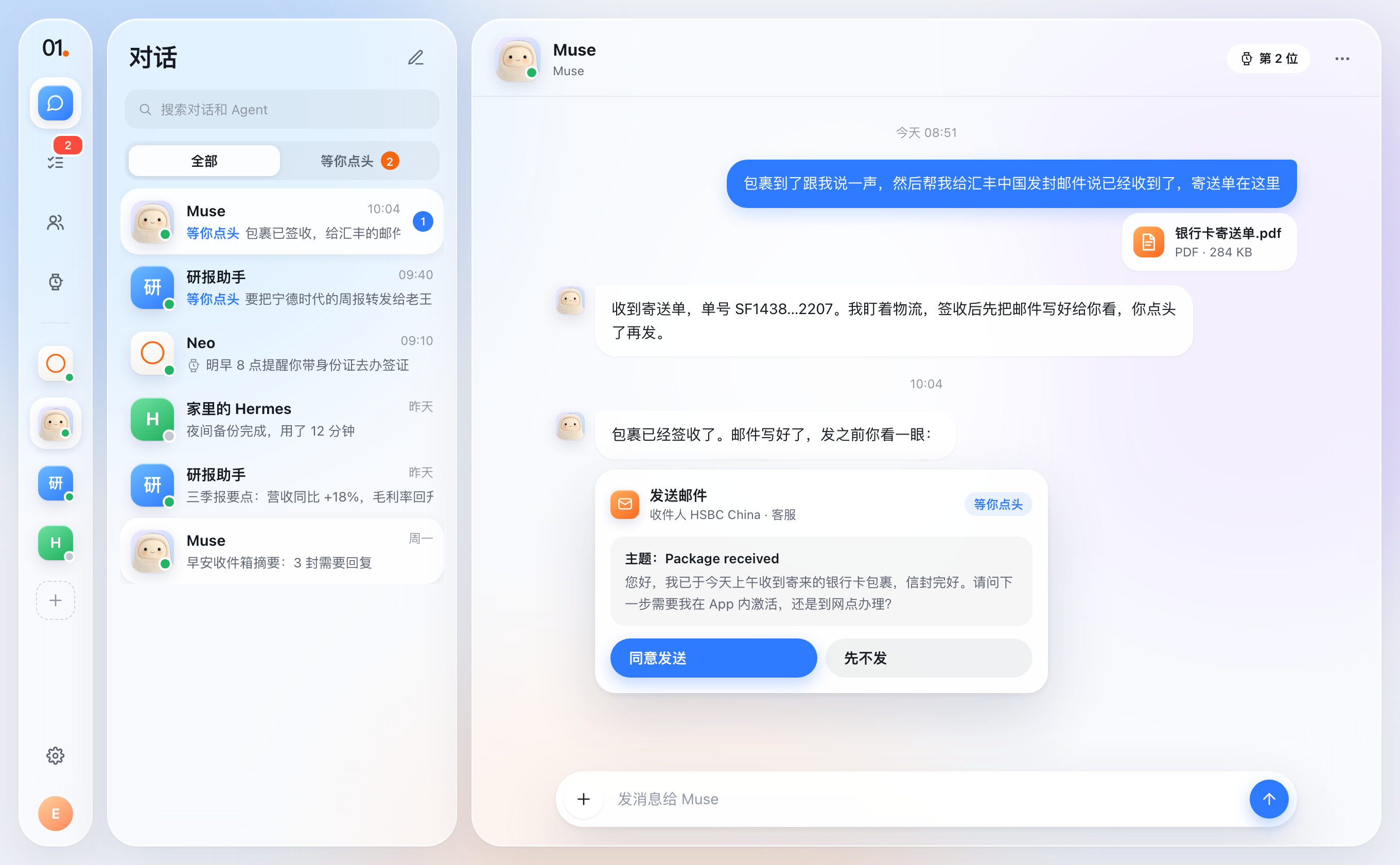
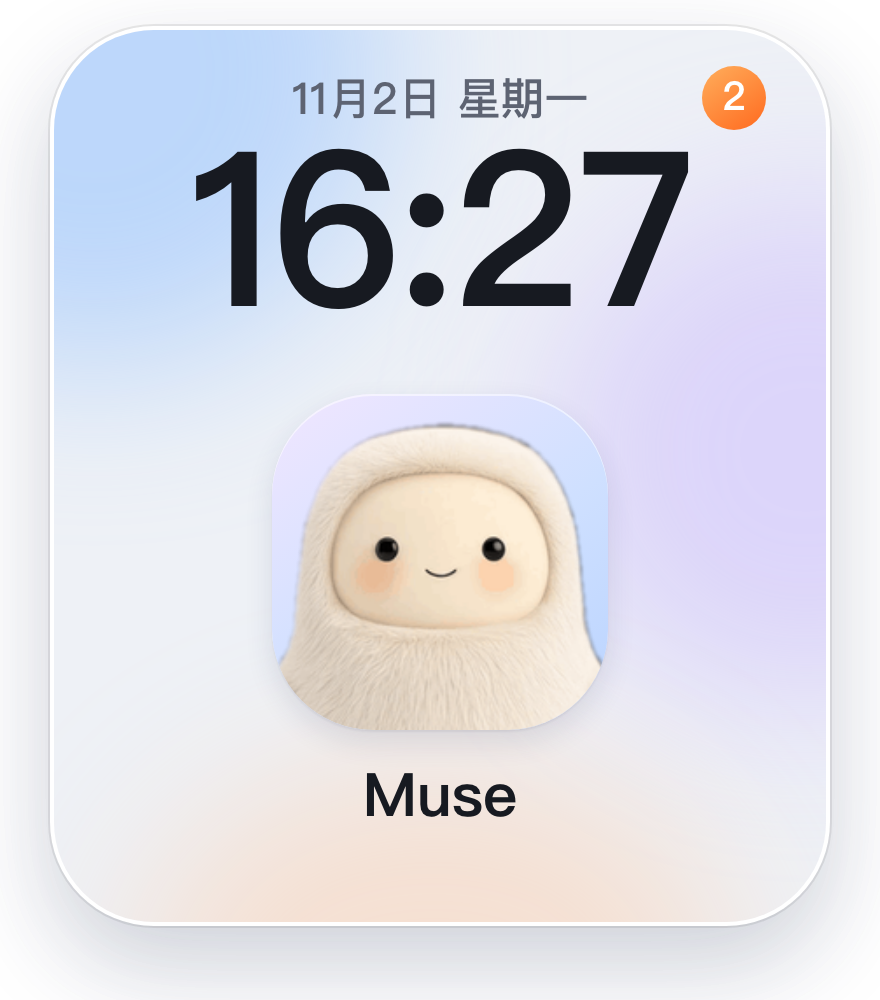
Cross-device harmony
Switch freely between Mac and Android.
For every conversation, wherever it started
All your agents in one conversation, ready whenever you need them.
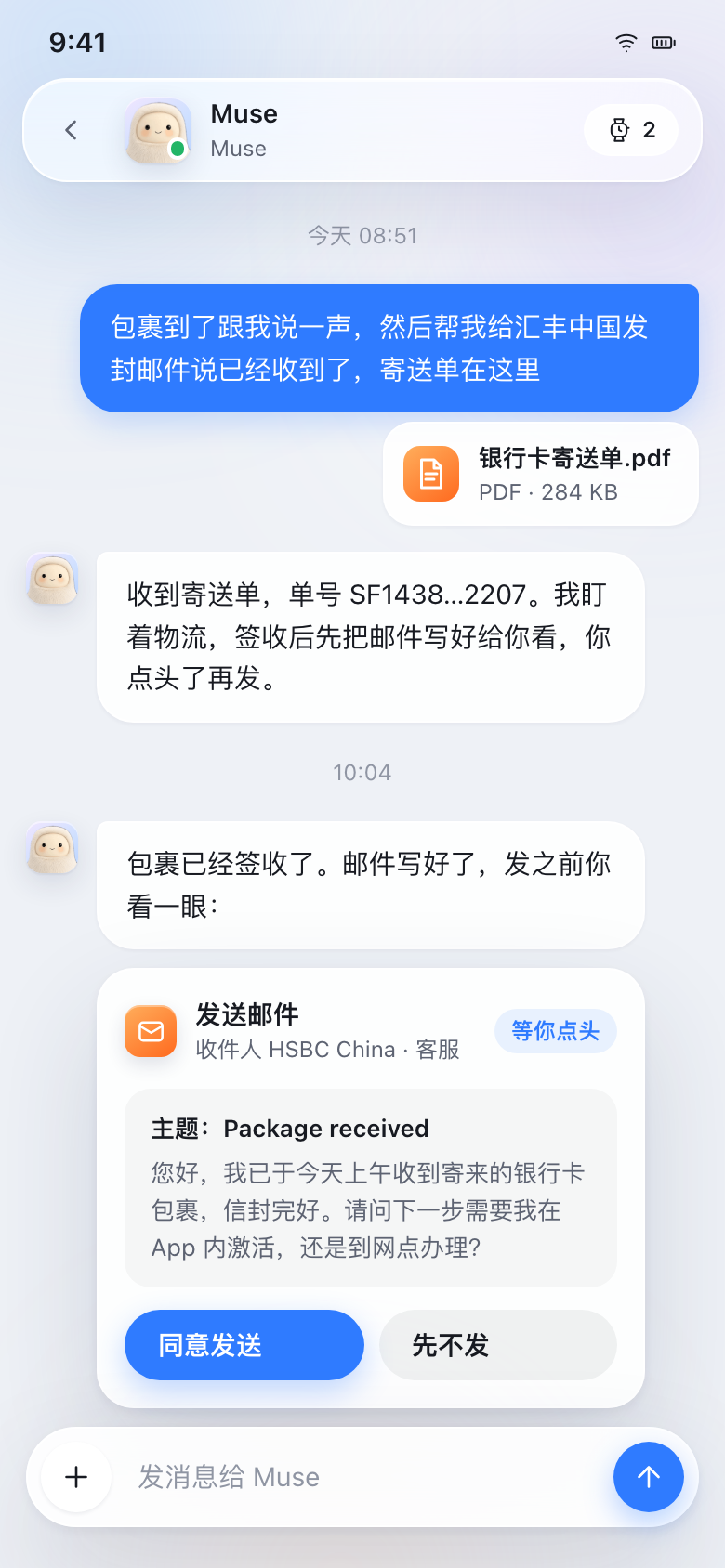
For the AI agents you already use
Your agents show up as contacts, while keeping data in place.
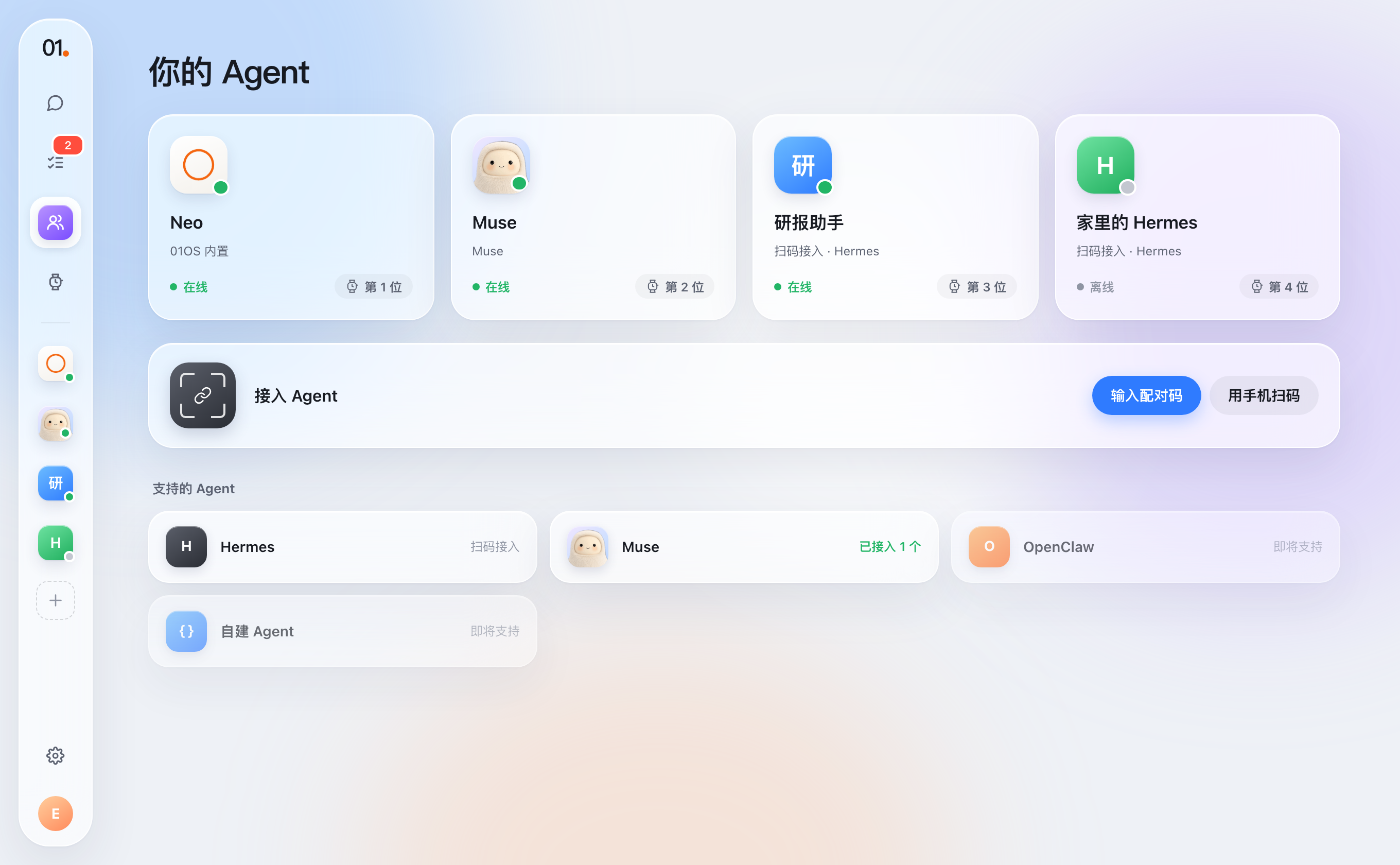
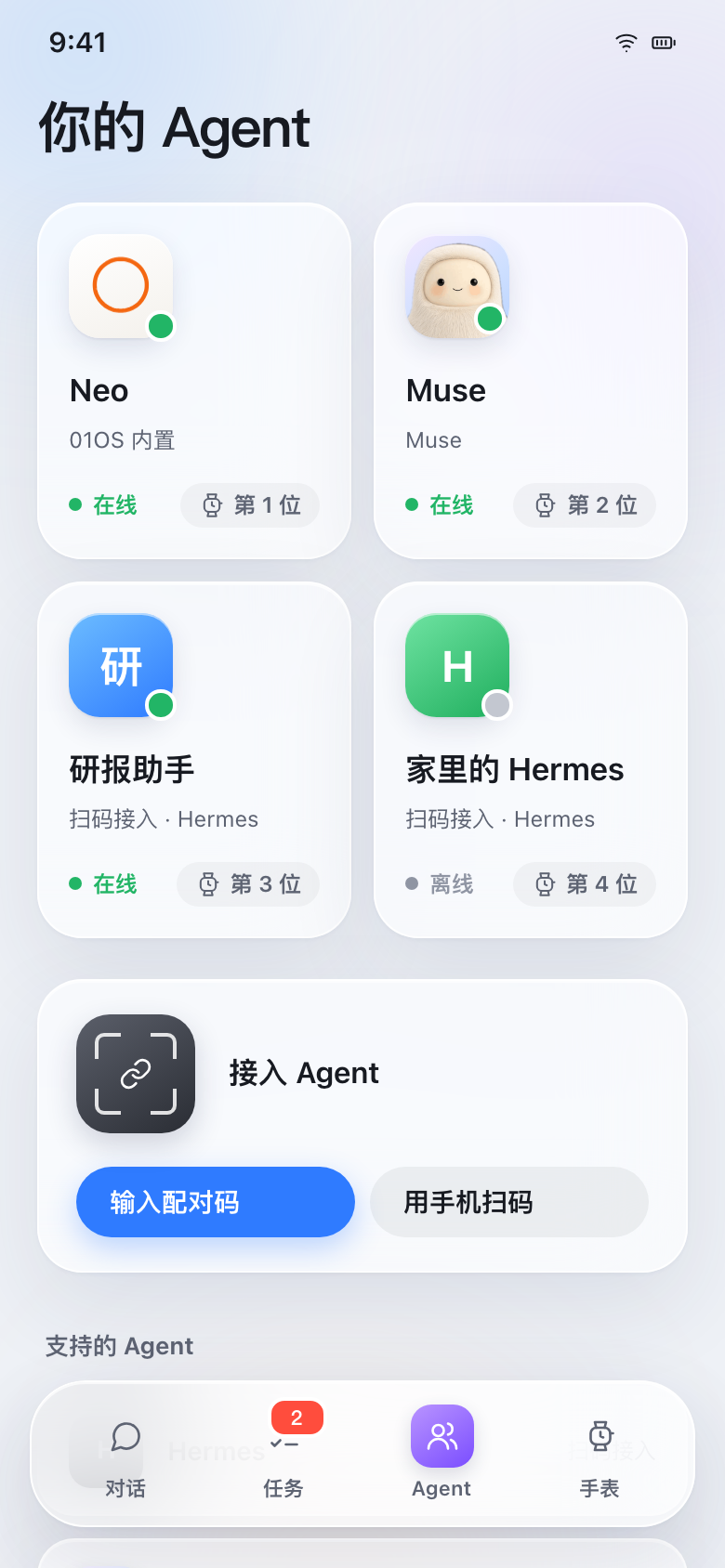
For the decisions your agents are waiting on
Agents ask first with approval cards, and every status is visible.
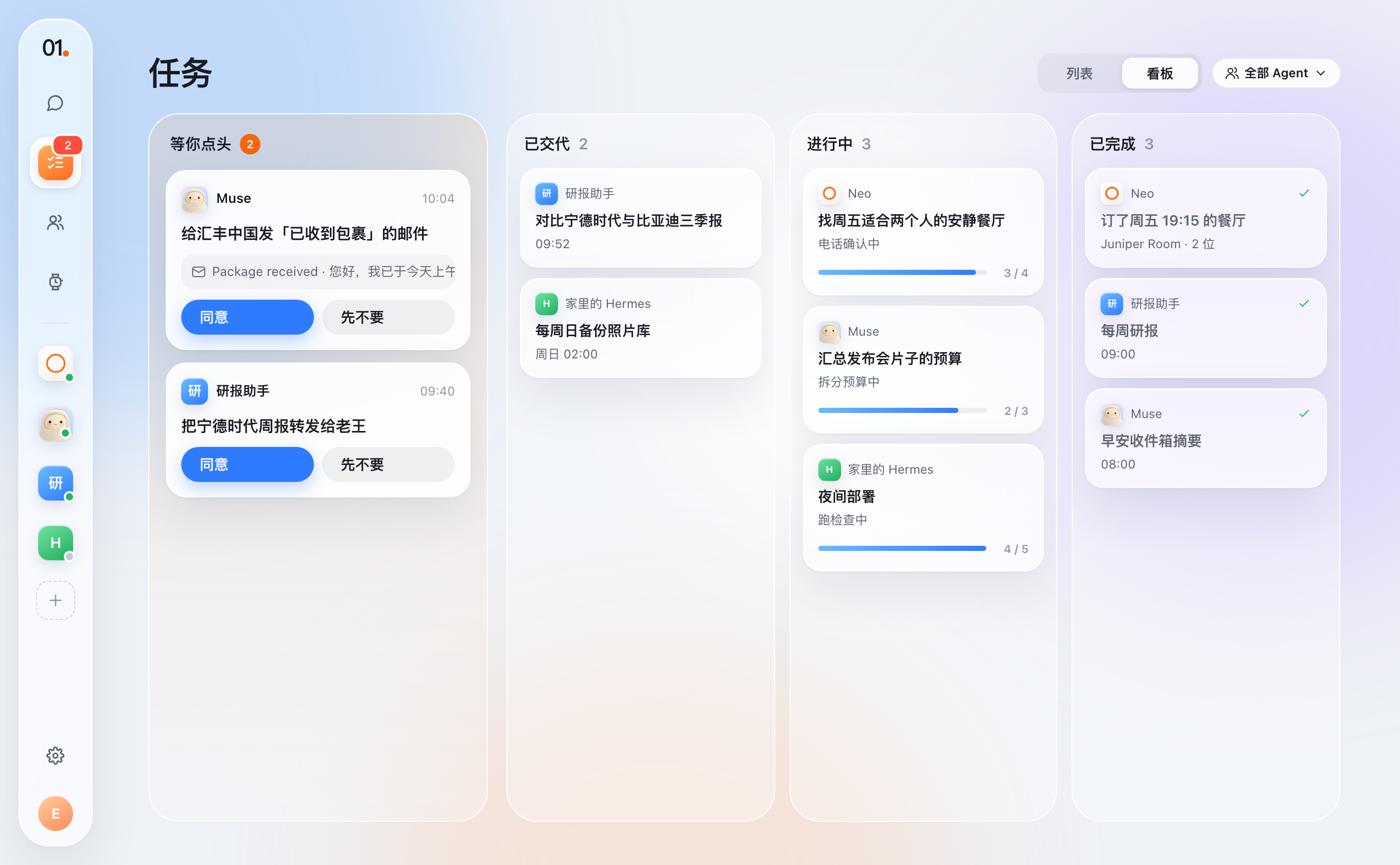
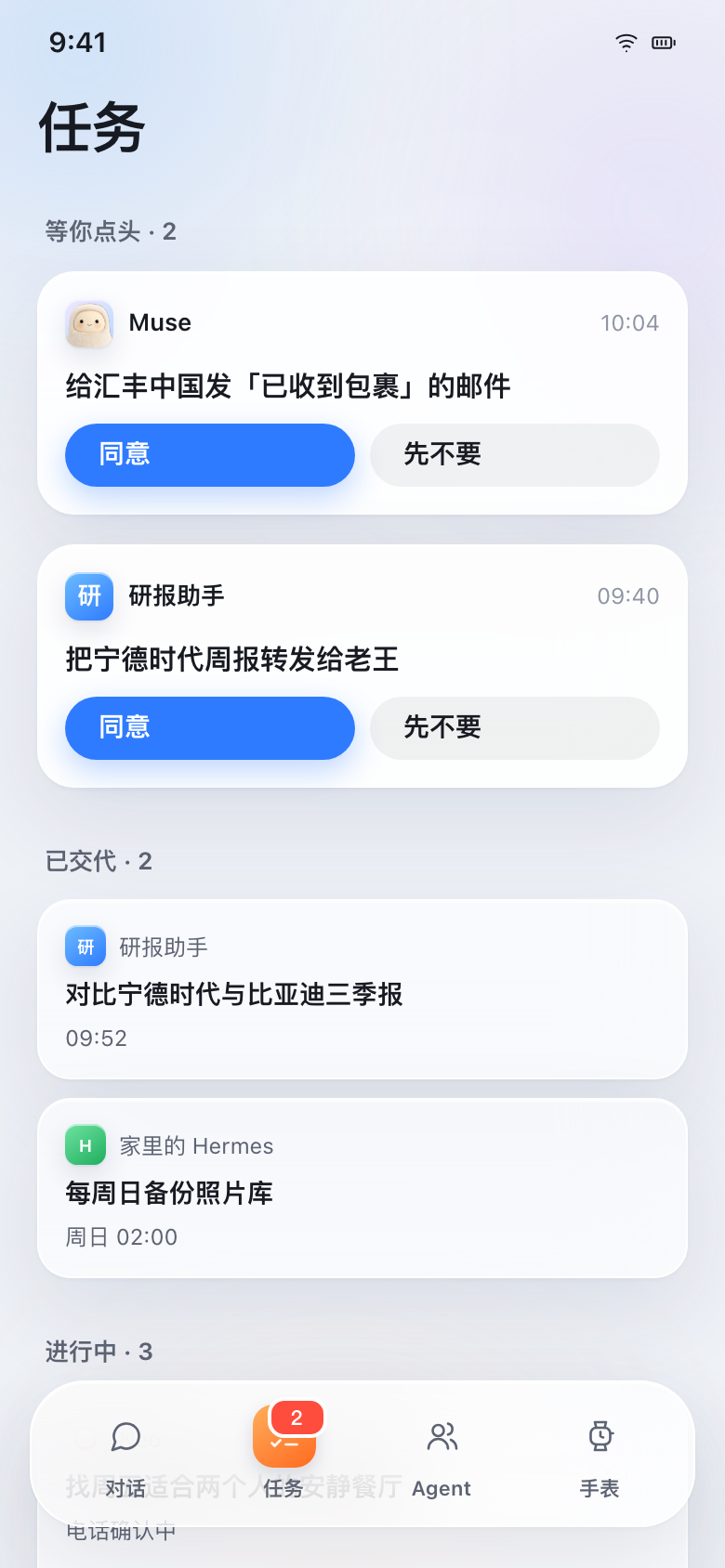
Your agents, ready on call
Connect the agents you trust into 01OS.

01 Watch
On your wrist, in a glance
Crafted for companion AI, distraction-free.
Cover agent on dial
Glance at your primary agent, time, and notifications.
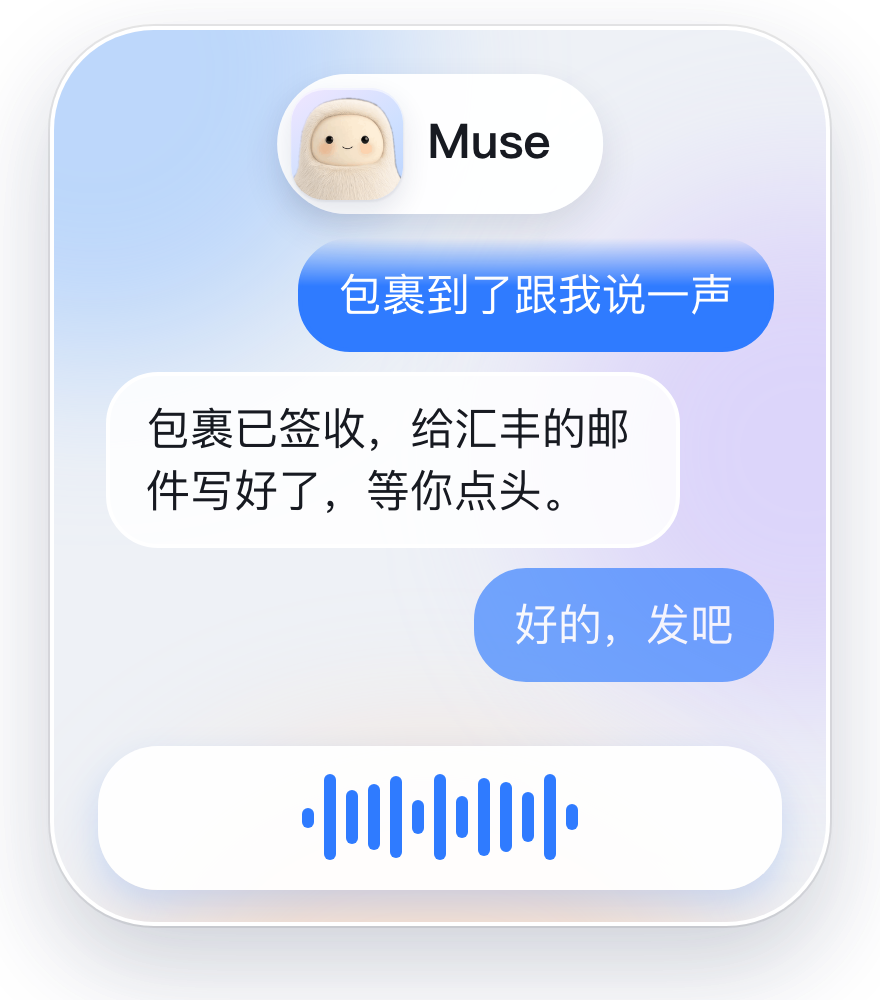
Hold side button to talk
Speak directly to your agent, sent upon release.
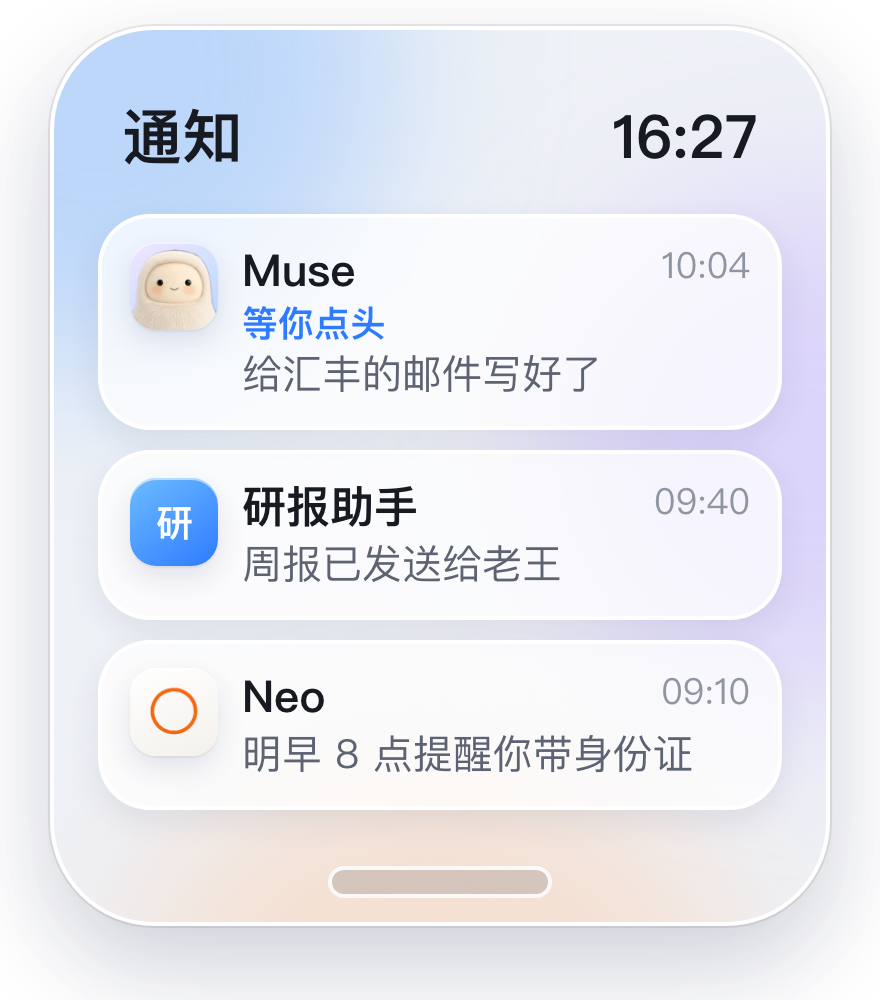
Swipe down for notifications
Catch up on incoming replies and reminders.
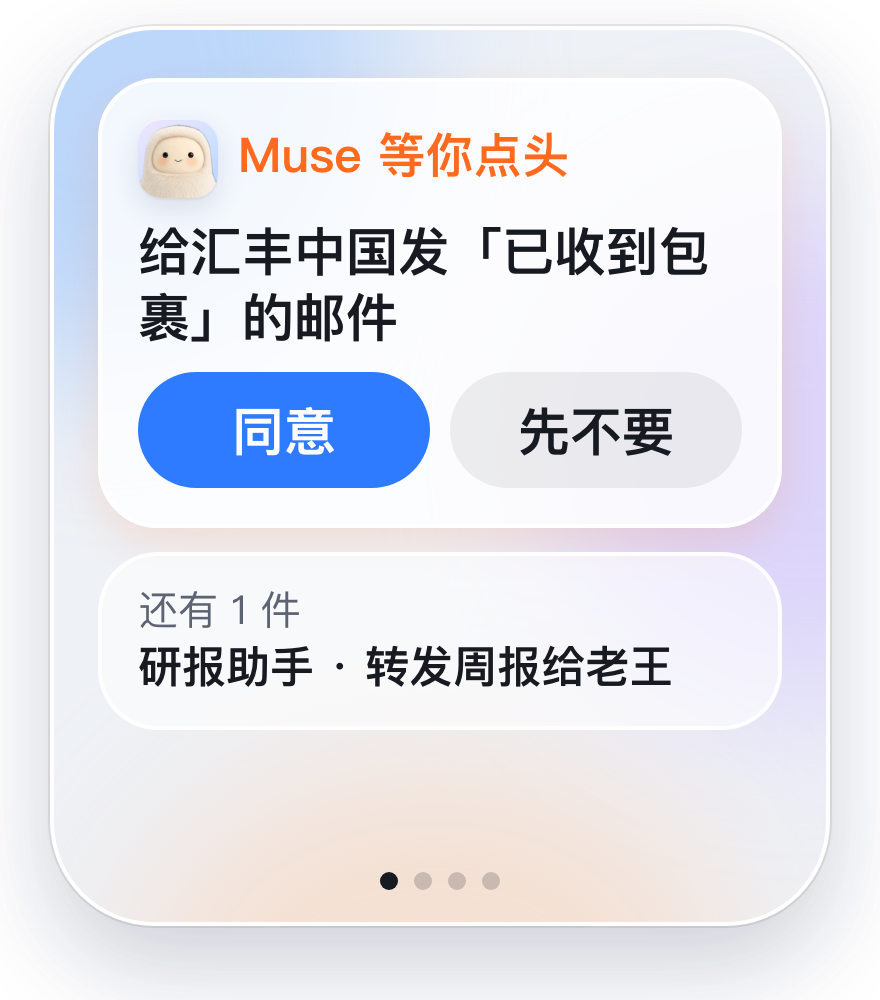
Swipe left for approvals
Approve or decline critical decisions in a tap.
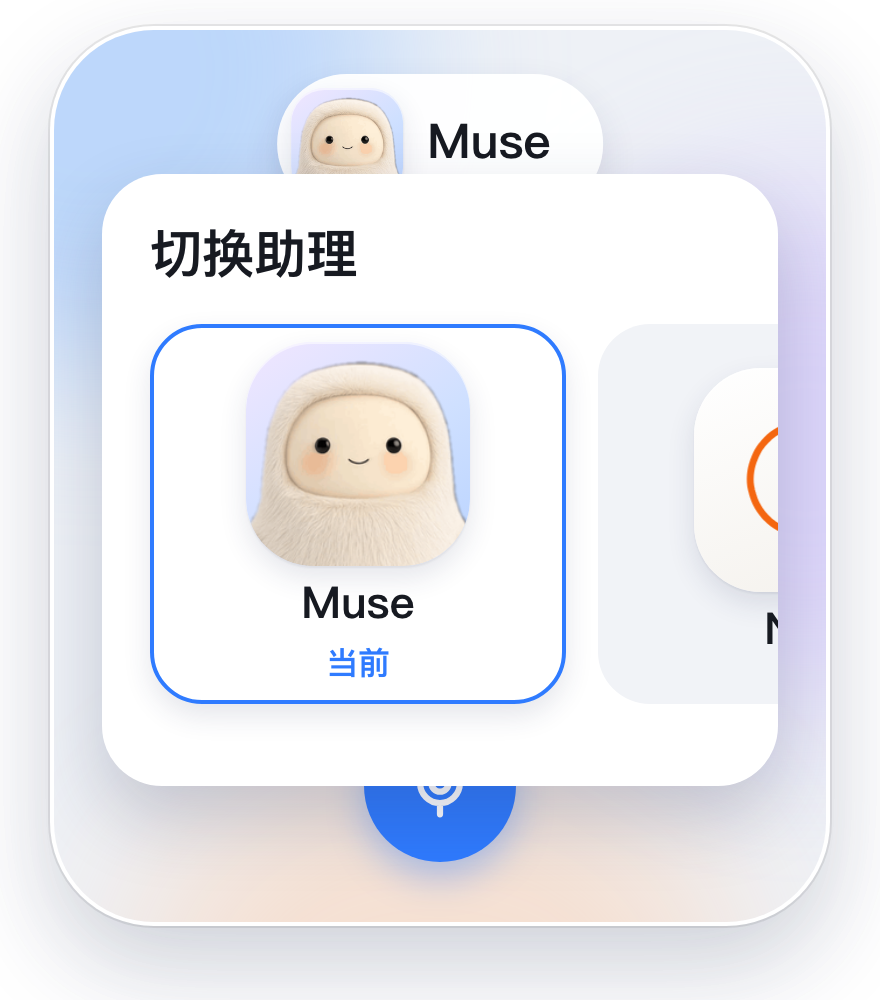
Tap avatar to switch agent
Swipe across cards to pick your active partner.
Built for effortless agency
A clear, secure, and controlled channel for third-party agents.
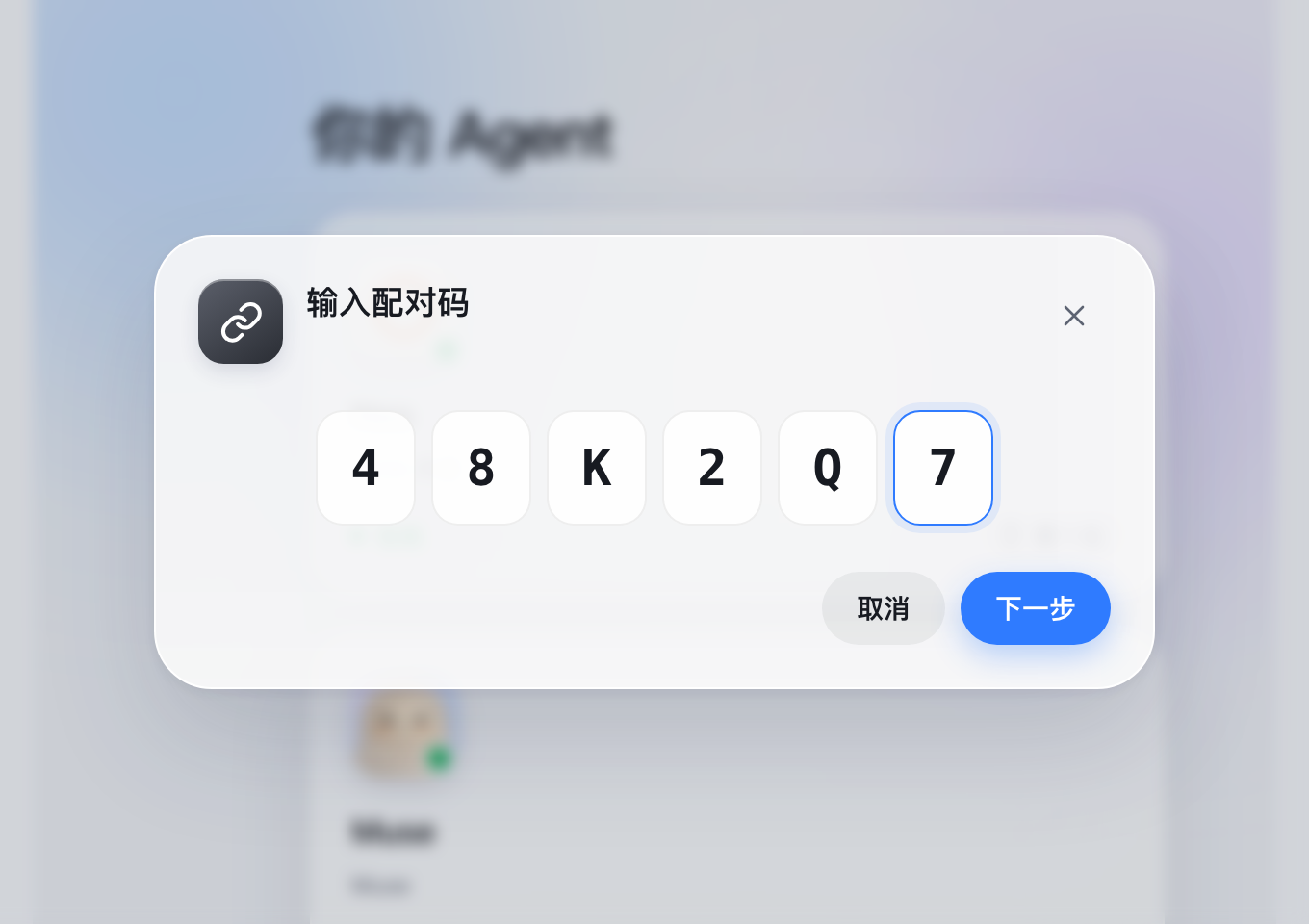
Scan to connect, intelligence stays in place
One-line command to connect while private models stay where they are.
Focused conversations with instant attachments
Direct text and document collaboration without noisy audio distractions.
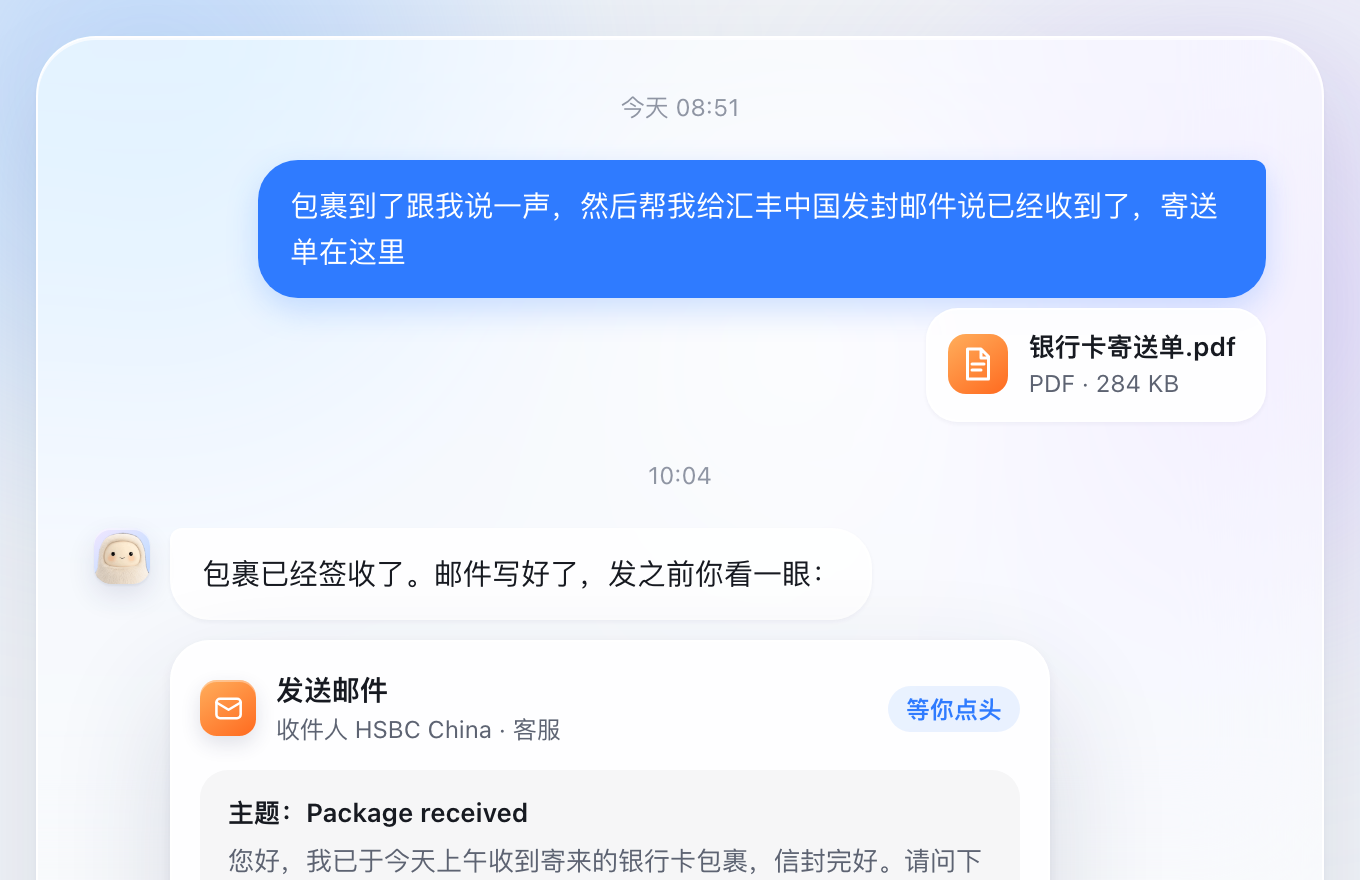
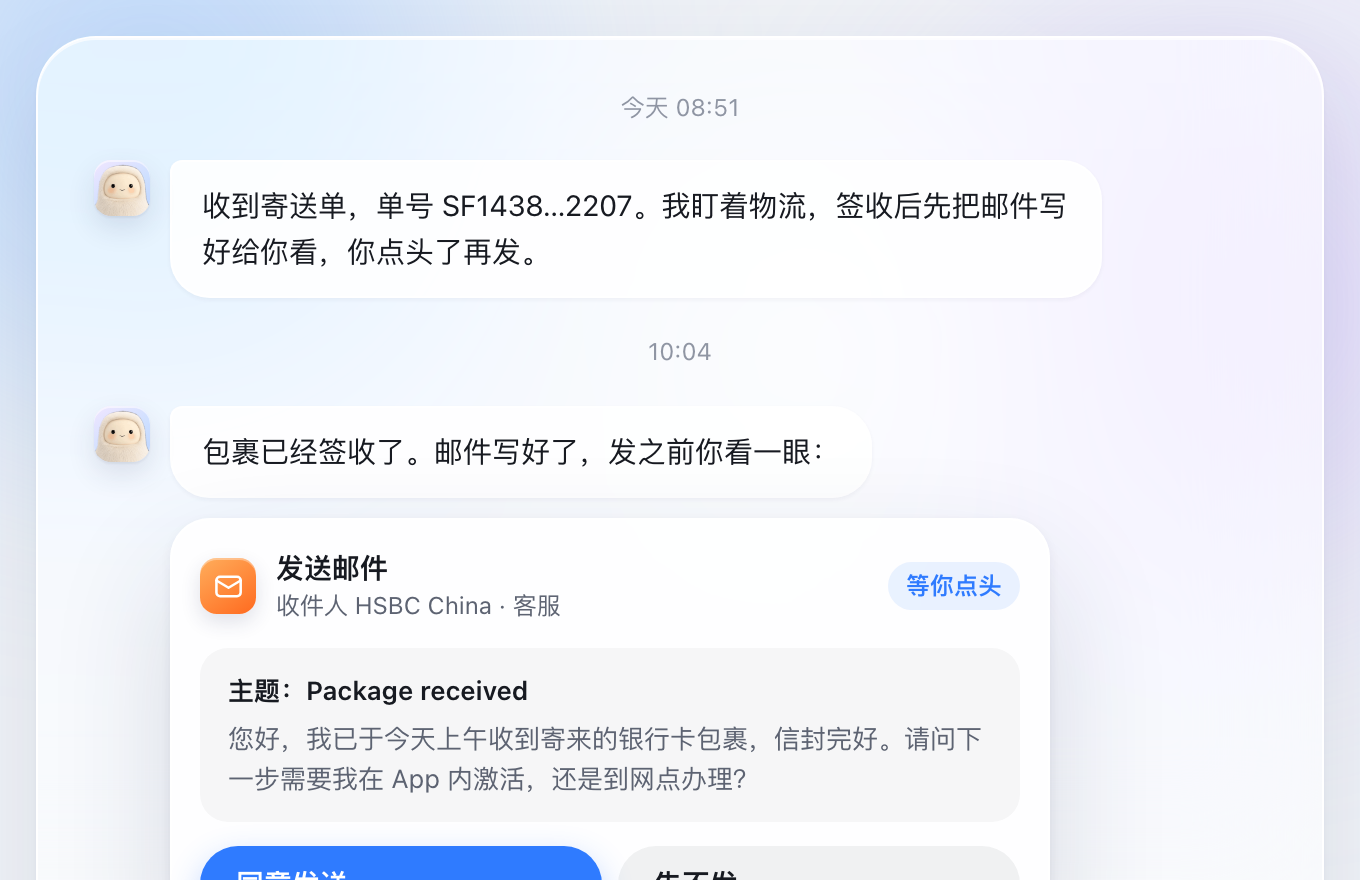
No action taken until you approve
Sensitive external tasks ask first with approval cards.
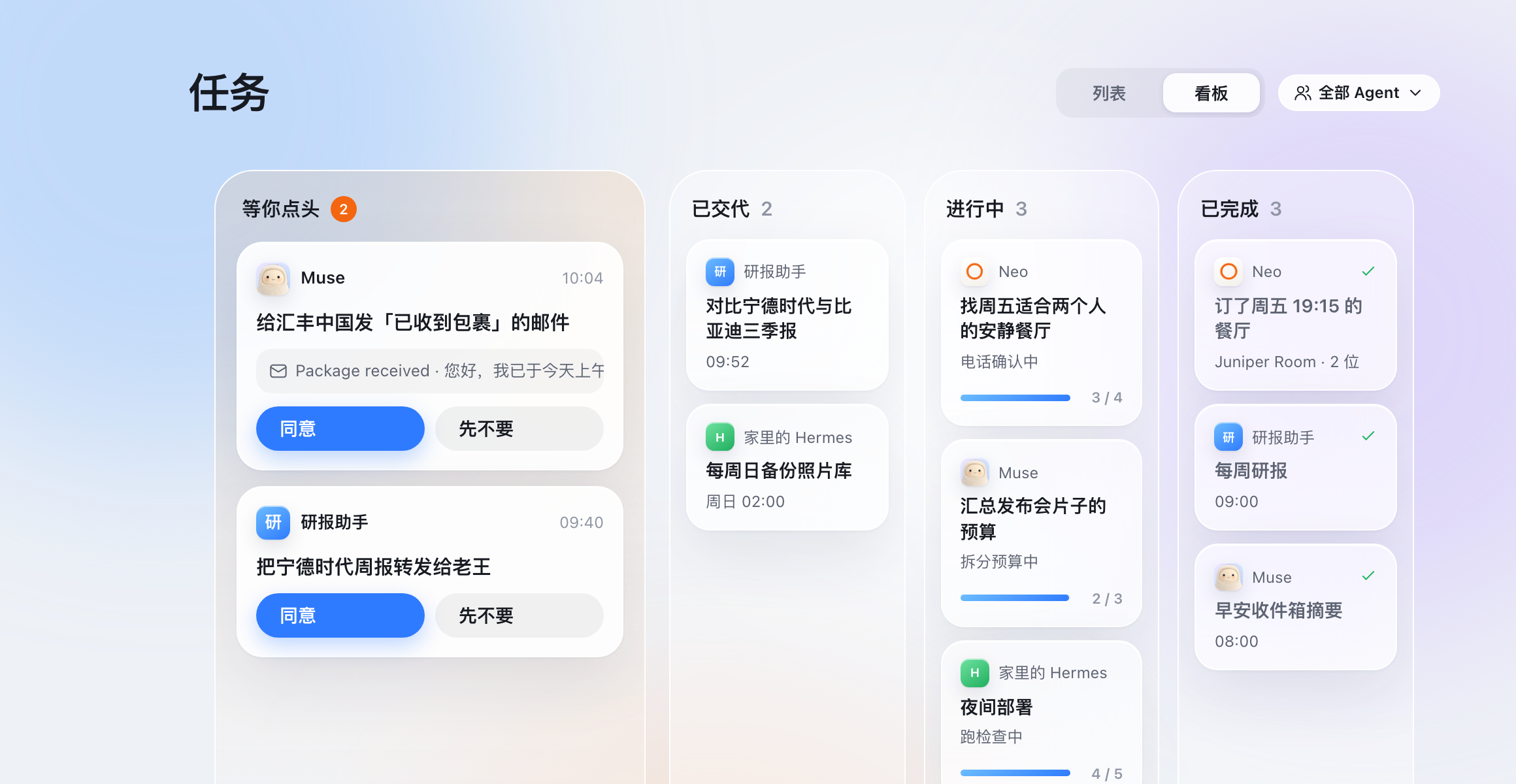
Track every agent's progress across one board
Structured task board organizing workflows across all agents.
Frequently asked questions
Answers to common questions about 01OS architecture and privacy.
How do I connect my agent?
What does 01OS cost?
Which agents are supported?
Where is my data stored?
What can an agent see?
Is 01OS related to Open Interpreter's 01 / 01OS?
Bring all your agents together on desktop, mobile, and wrist
Unify the AI partners scattered across your workflows.
Get started with 01OS